We Guide You
The following documents and tutorials will guide you in using CompTracker.
Please contact us if you would like some more one-on-one help!
-

Students
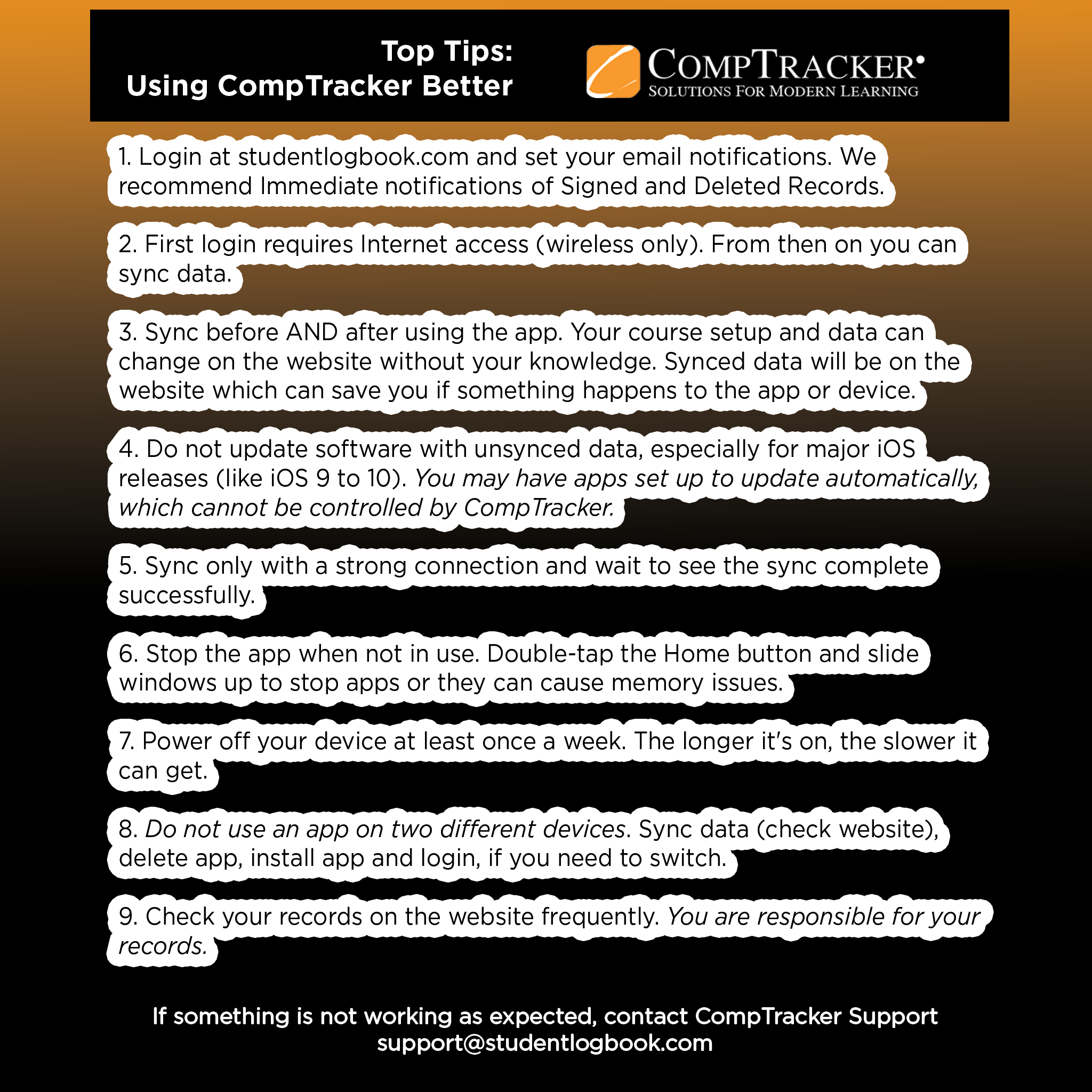
STUDENTS: TOP TIPS FOR USING THE COMPTRACKER APP EVEN BETTER
Best practice for getting the most out of the CompTracker mobile app.STUDENT QUICK START GUIDE: WEBSITE SUBMISSIONS (PDF)
Students: Refer to this guide after logging into the Student Log Book website to get a good feel for the steps to enter your data.STUDENT QUICK START GUIDE: IPOD TOUCH/IPHONE (PDF)
Students: Refer to this guide after installing CompTracker to get a good feel for the steps to enter your data on your iPod Touch or iPhone.STUDENT QUICK START GUIDE: IPAD/XL (PDF)
Students: Refer to this guide after installing CompTrackerXL to get a good feel for the steps to enter your data on your iPad.APPLE USER TIPS (PDF)
Apple Users: Some tips and tricks to help you when using CompTracker.STUDENT QUICK START GUIDE: ANDROID (PDF)
Students: Refer to this guide after installing CompTracker to get a good feel for the steps to enter your data on your Android phone.STUDENT QUICK START GUIDE: ANDROID TABLET (PDF)
Students: Refer to this guide after installing CompTracker to get a good feel for the steps to enter your data on your Android tablet.
-

Preceptors/
InstructorsPRECEPTORS/INSTRUCTORS: HOW TO APPROVE ON THE WEBSITE (PDF)
Students: Keep this document handy to introduce your Instructors and Preceptors to the Approval process on the website.PRECEPTORS/INSTRUCTORS: HOW TO APPROVE ON THE IPOD TOUCH/IPHONE (PDF)
Students: Keep this document handy to introduce your Instructors and Preceptors to the Approval process on your device.PRECEPTORS/INSTRUCTORS: HOW TO APPROVE ON THE IPAD/XL (PDF)
Students: Keep this document handy to introduce your Instructors and Preceptors to the Approval process on your iPad.PRECEPTORS/INSTRUCTORS: HOW TO APPROVE ON THE ANDROID PHONE (PDF)
Students: Refer to this guide after to get a good feel for the steps to enter your data and get approvals on your Android phone.PRECEPTORS/INSTRUCTORS: HOW TO APPROVE ON THE ANDROID TABLET (PDF)
Students: Refer to this guide after to get a good feel for the steps to enter your data and get approvals on your Android Tablet. -

All Users
Student and Instructor Full Orientation – iPod Touch/iPhone (PPT)
All Users: Take a step-by-step approach to all processes on the iPod Touch/iPhone App (Mobile Orientation).
Contact us for Live or Online training arrangements, or with your suggestions for new training materials.
support [at] studentlogbook [dot] com